





Welcome to the reinvented IPERF2
5 January 2025 - IPERF Charts for Windows with User Interface released. Native Win32 port (not Cygwin) with QoS (DSCP set). Free download of trial version is available.
IPERF is a professional bandwidth test tool for qualifying performance of corporate networks and the Internet. Both versions: interactive graphical and command-line for batch operations are provided.
Check out the videos below for IPERF Charts with UI and command-line version.
IPERF3 - compatible GUI and Charts
5 March 2025 - Iperf3 can be launched from the Charts GUI. Being protocol-incompatible with iperf2, iperf3 still can take advantage of our Graphical User Interface and rich Charting capabilities. Actually any Iperf version can be launched, just follow this tutorial.
Video:
IPERF Test with QoS
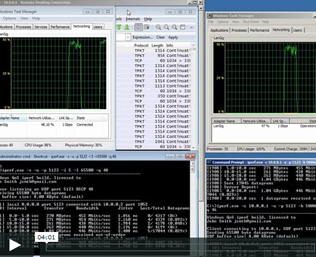
Bandwidth test with QoS set, using command-line version of IPERF for Windows
IPERF User Interface
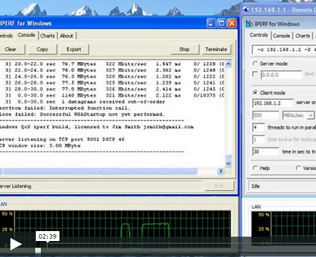
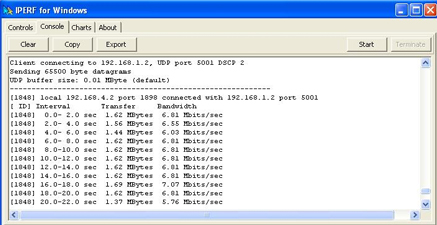
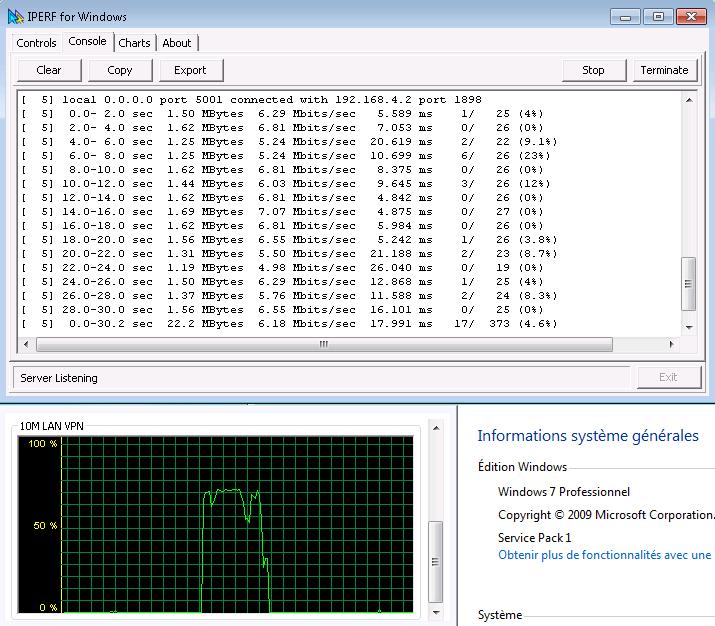
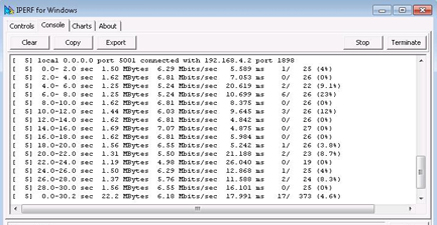
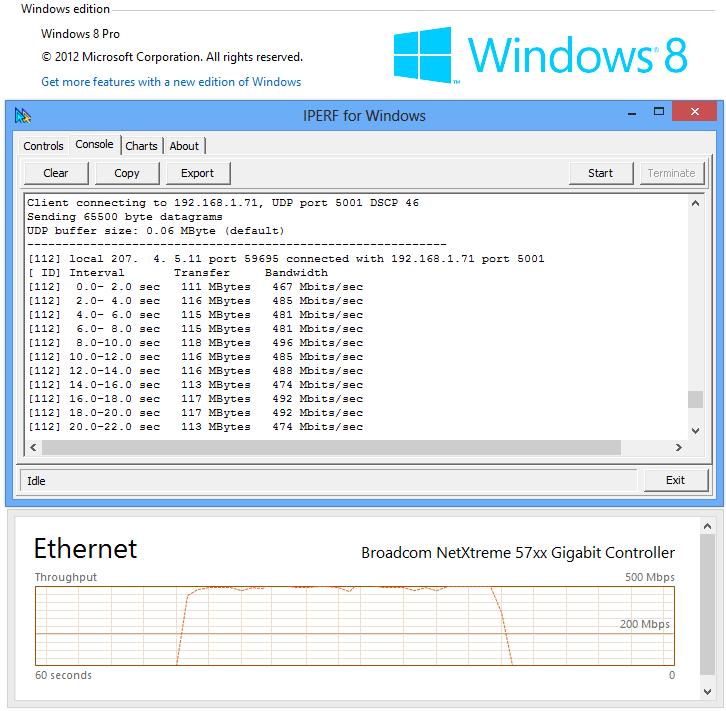
UDP and TCP tests in graphical User Interface
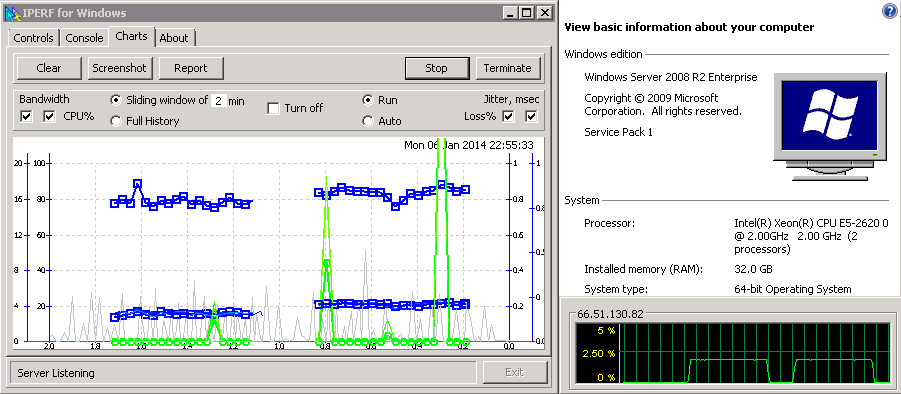
IPERF Charts
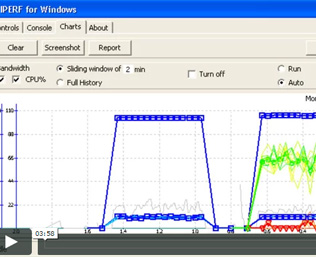
Real-time charting of TCP and UDP tests.
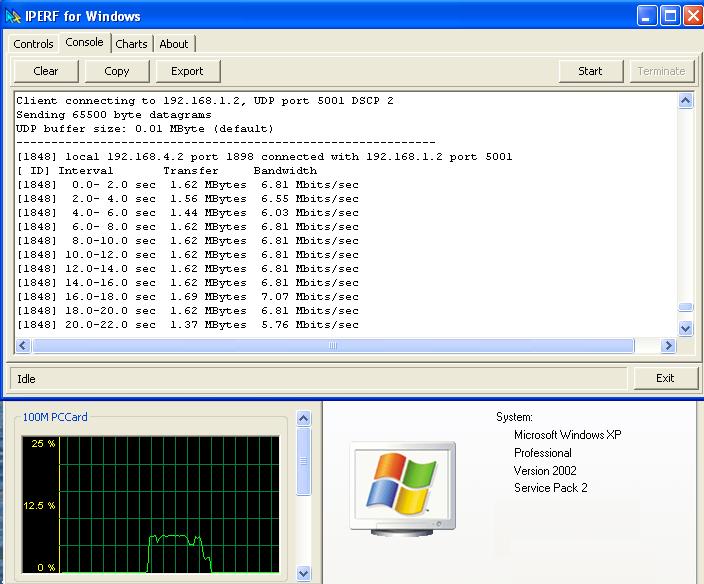
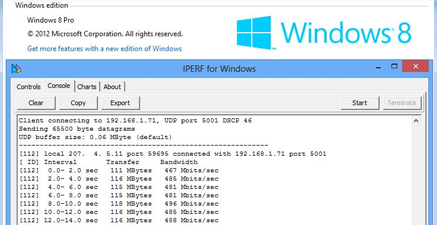
Works in major operating systems, including Windows 10:

Disclaimer
IPERF is a professional bandwidth test tool for qualifying performance of corporate networks and the Internet.
Reach Us At
Email: sales@iperfwindows.com
Phone: +1 206 453 1424 on business hours in Pacific Time Zone (UTC-08:00)
Follow Us At
Signed By

©Copyright 2025, All Rights Reserved